

The klar.gg chess user guide
Works on Chess.com and Lichess.org. Real-time best-move engine with human-like play.
1. About the Product
Klar Chess is a real-time move assistant for Chess.com and Lichess.org. It reads the live board, runs the position through a chess engine, and either shows you the strongest move or plays it for you automatically. You stay in full control of how strong, how fast, and how human it plays.
- Works on Chess.com and Lichess.org
- Adjustable strength so games look natural
- Auto-move or manual "show me the move" mode
-
Human-like timing controls
2. Getting Started
Requirements
- Windows PC
- Google Chrome (installed and up to date)
- An active Klar Chess license
Setup
- Download the Loader from https://klar.gg/loader
- Run the Loader and log in with your license.
- The Loader opens a managed Chrome window; open Chess.com (or Lichess) inside that window and start a game.
- Configure your settings in the Loader (see 4. Settings Explained).
- Choose Auto Move or Display Best Move, then play.
3. How to Use
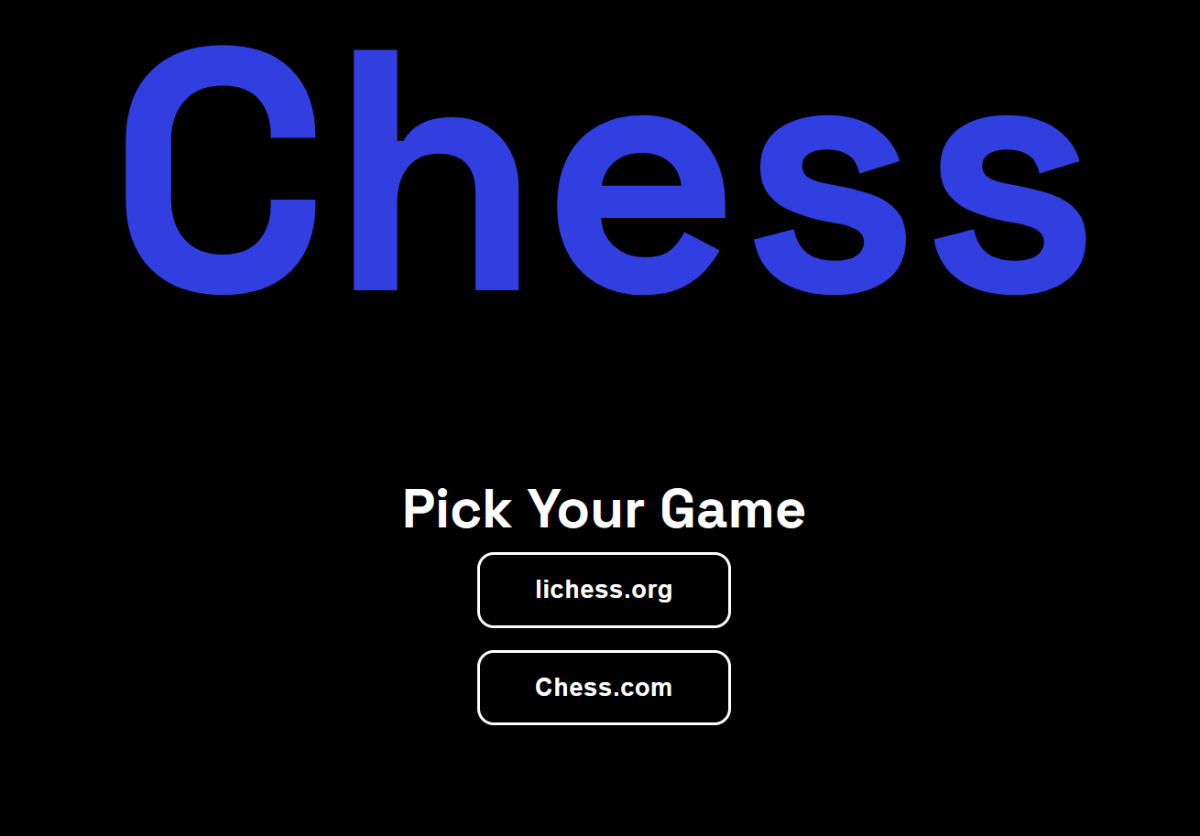
- Launch through the Loader - not your browser. The cheat only works in the window the Loader opens.
- After you launch the cheat, a Google Chrome window will open, and you will need to choose between chess.com and lichess.org.
-
Pick your mode:
- Display Best Move - Klar shows the recommended move; you play it yourself.
- Auto Move - Klar plays the move for you automatically.
- Dial in strength and timing (Depth, Max Elo, Move Delay, Max Random Delay) so play looks natural.
- Play. klar.gg Chess recommends new moves each time a piece changes position.
4. Settings Explained
Depth
How many moves ahead the engine calculates. Higher is stronger and more accurate, but slower and more CPU-heavy. Keep it moderate because very high depth increases errors and slowdowns (see Error 5).
Max Elo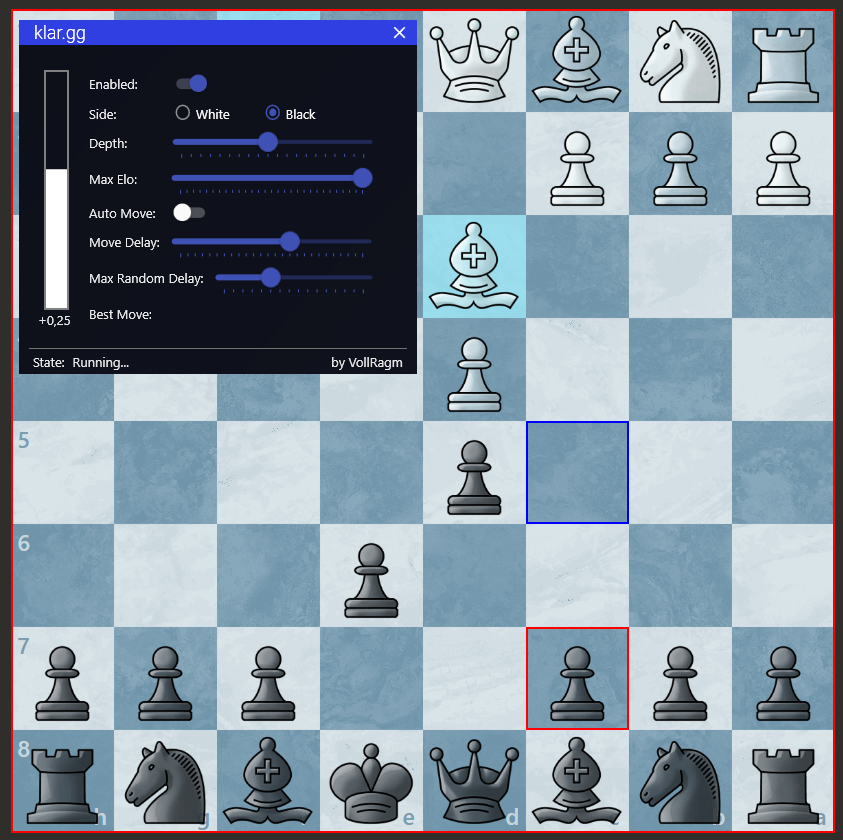
Caps the engine's playing strength to a target rating. Lower values produce weaker, more human moves. Set it close to the rating you want to appear as.
Auto Move
When on, Klar plays the chosen move for you. When off, it only displays it. Turn it off for a more natural, manual feel.
Move Delay
A fixed wait before each move is played or shown. Prevents instant, robotic responses. Set a baseline that matches your normal pace.
Max Random Delay
Adds a random amount of time on top of Move Delay so your timing varies move-to-move. Use it alongside Move Delay to look human.
Display Best Move
Shows the engine's top move on-screen without playing it. Use this for assisted play where you stay in control.
5. Error Codes and Fixes
Error 1 - Chrome failed to start
Klar's managed Chrome didn't launch correctly.
- Make sure Google Chrome is installed and updated.
- Fully close all Chrome windows, then relaunch through the Loader.
-
If it still fails, upload your log file to your ticket
%localappdata%\klarchess\latest.log
Error 4 - Board can't be read
The klar.gg chess engine can't read the board properly.
- Open the Chess.com page in the Klar Chrome window.
- Start a game against bots
-
Click the settings button at the top-right of the board
- Set the "Piece Notation" setting to "Text".
- Set the "Show Board Coordinates" to None
- Go to your Board Settings and disable "Show Board Coordinates
- Go to your Profile Settings and set "Language" to "English"
Still failing? Reset your desktop colors to default and disable any Nvidia/GPU color adjustments; custom color profiles can interfere with board reading.
Error 5 - Engine failed / move not played
The engine crashed or couldn't complete a move. The most common causes are Max Elo / Depth set too high, or Chrome blocking the bot.
- Restart the product and lower your Max Elo and Depth.
- Update Chrome and reset it to default; disable extensions, ad blockers, and pop-up blockers.
- If it continues, try an older version of Chrome.
6. Best Practices
- Don't play at max strength. Set Max Elo near your real or target rating. Superhuman accuracy is the number one flag for bans.
- Always use delays. Combine Move Delay and Max Random Delay so timing varies.
- Vary your sessions. Don't play dozens of flawless games back-to-back.
-
Launch only through the Loader's Chrome, not your everyday browser profile.